One workflow from room setup to final plan.
The five SweetSeat stages mirror the order a teacher naturally works through a seating plan.
Build Room
Recreate the classroom.
Add Class
Load the roster.
Set Student Needs
Record priorities.
Find the Best Fit
Arrange the class.
Review & Share
Inspect and export.
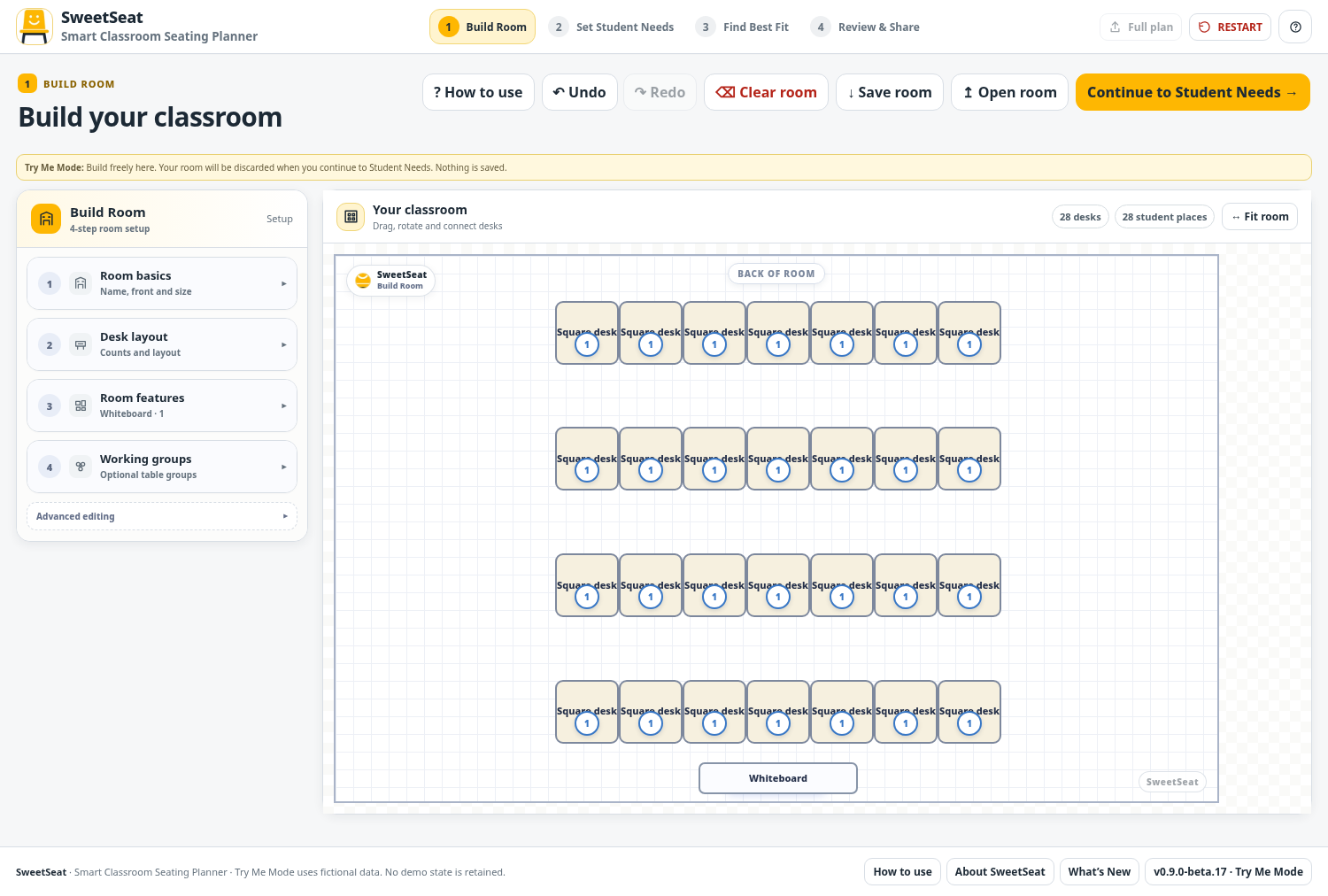
Build Room
Create the classroom students will actually use. Add the desks, turn them, snap tables together, mark the front of the room and add useful annotations.
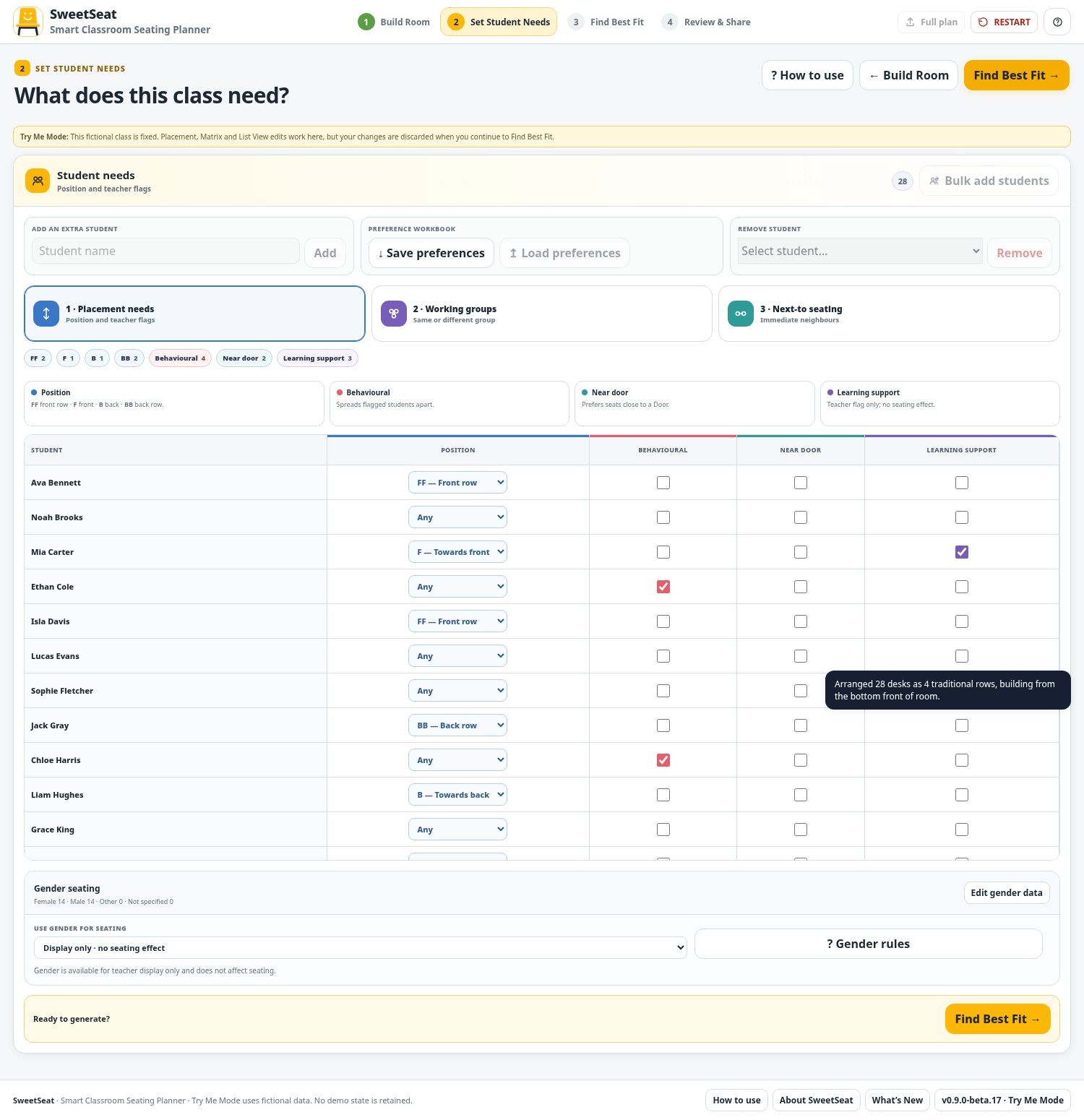
Add Class + Set Student Needs
Load the class, then record placement, behaviour, group and relationship considerations. SweetSeat separates information that helps the optimiser from information that is simply useful for teacher awareness.
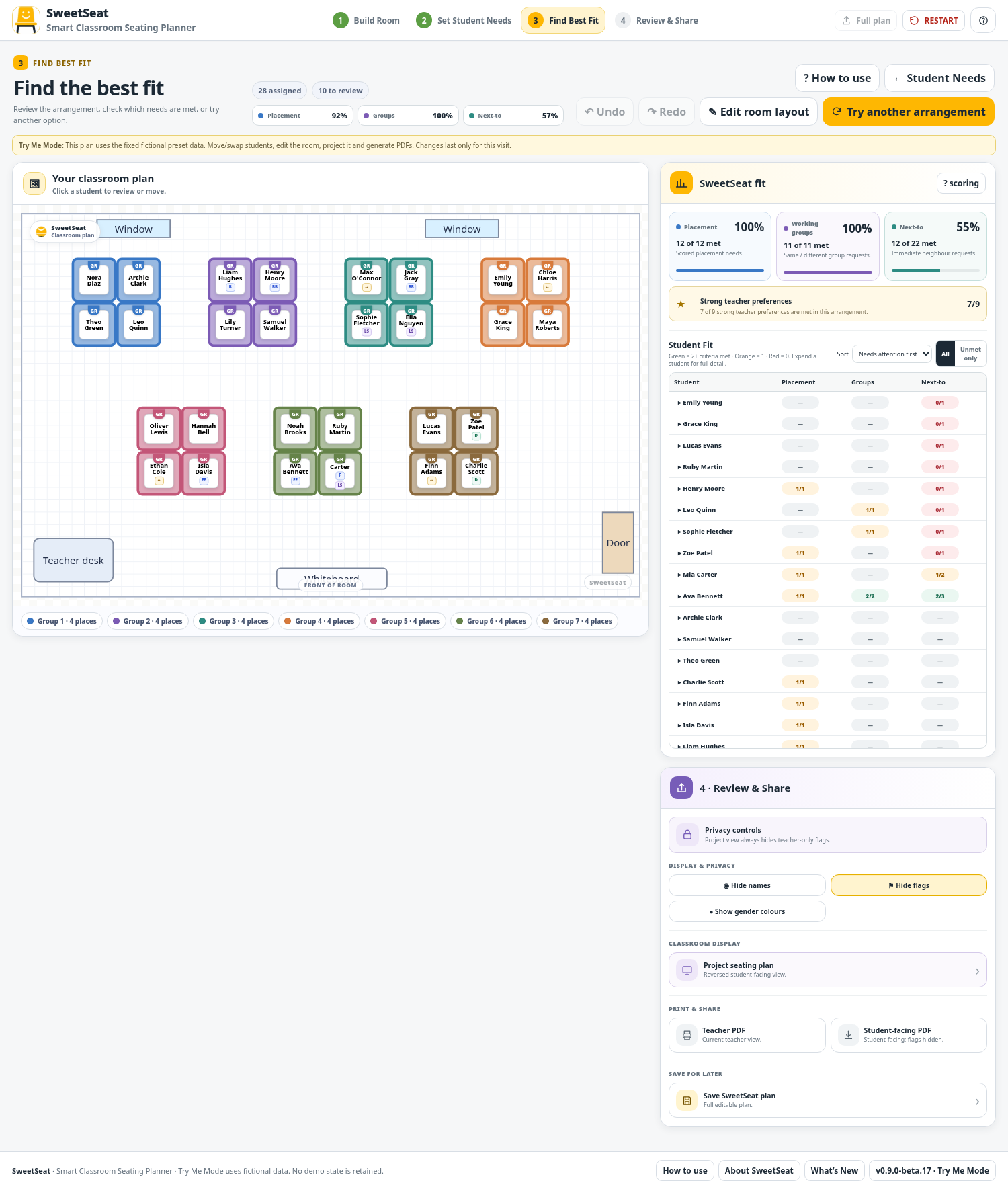
Find the Best Fit
Run the optimiser and then inspect the result. The goal is a useful plan, not an unexplained score.
- See summary fit by category
- Select a student to inspect their result
- Sort students who need attention first
- Filter to unmet items only
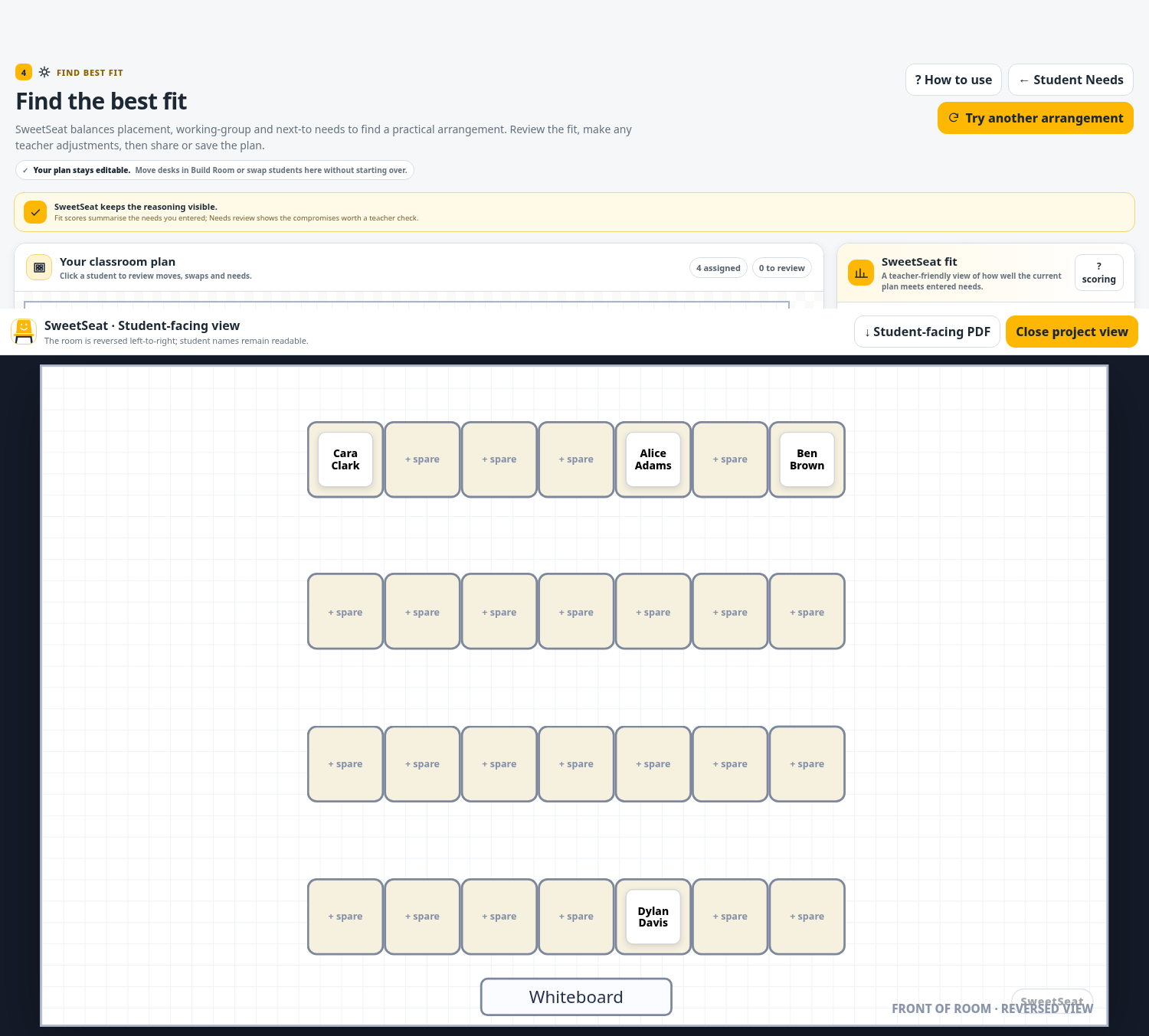
Review & Share
Teacher judgement remains the final step. Make manual adjustments if required, switch to a cleaner classroom view and export the final seating plan and Needs & Fit report.
Want to see all five steps?
Try Me walks through the same workflow using a fictional class.